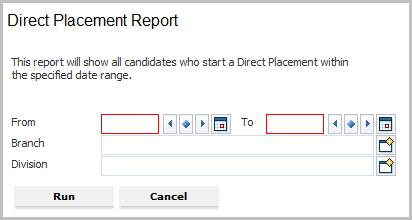
Direct Placement Report
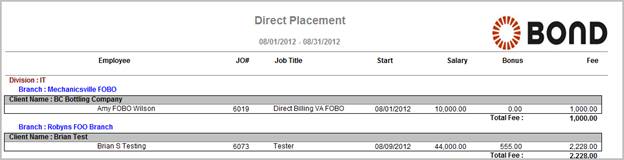
This report will show all Candidates who started Direct Assignments during the date range.
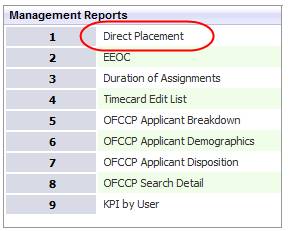
1) Click the Reporting tab on the main navigation tool bar and scroll to the Management Reports section of the segment.
2) Select Direct Placement to open the workflow view in a new window.
3) While updating the form, fields marked in red are required to complete the workflow. Click on the buttons to the right of certain fields to open a new window which will allow you to search and select options related to that specific field or choose a date.
4) The From and To dates are for start dates on the direct placement records. To view all direct placements that started in the current month, enter dates from the 1st – 30th/31st.
5) The Branch and Division are additional criteria options to further filter the report results. These options will match the direct placement records.
6) Click Run to generate the report.
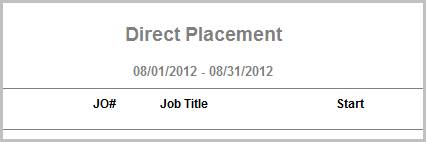
7) The header displays the report name, dates specified in the workflow and labels for the data to be displayed.
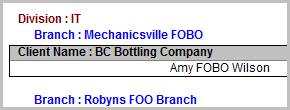
8) The data is then sorted by Division, Branch, Client and Job Order.
9) Calculations in report:
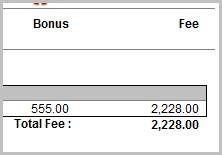
§ Total Fee is the sum of all fees for the Direct Placements, per client.
Full Report
Workflows that Update Report
The following workflows will update the Direct Placement report:
§ Place Candidate from:
o Contract Assignment > Contract to Direct workflow
o Dashboards
o Job Order
o Placement > End Placement, Replace Now workflow