Login to Web Services
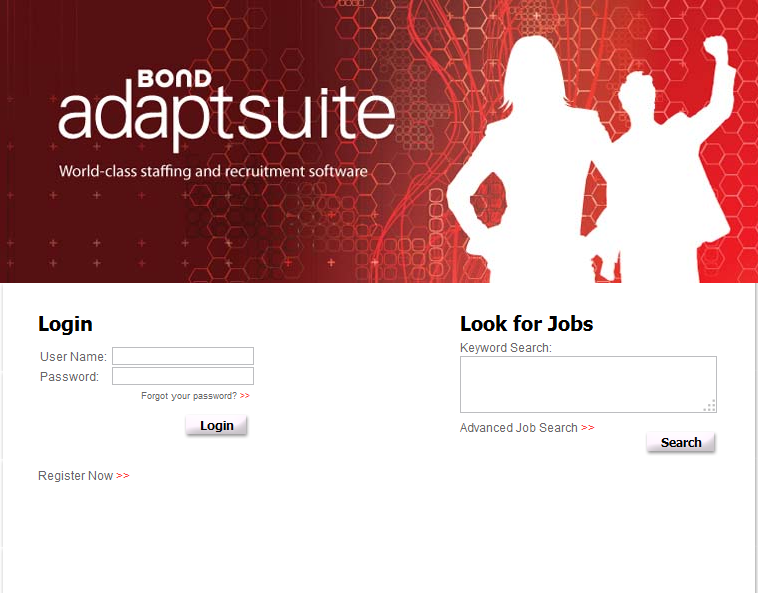
The login page allows the user to access Adapt Web Services, recover their password, complete a candidate registration and search for a job.
1) Enter your User Name and Password on the Login Page.
2) Click Login to view your web services record.
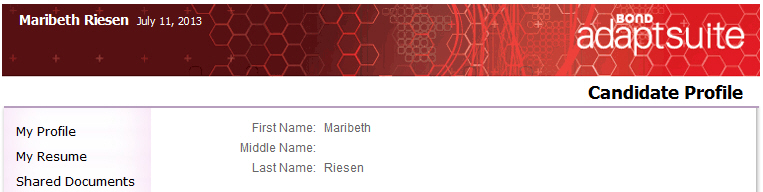
3) The screen will refresh to display the user’s profile page.
Forgot Password
1) To remember a password, enter the User Name and click the Forgot your password?>> link.
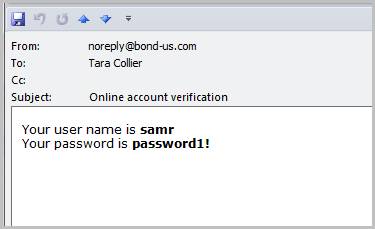
2) A Password Reminder will be emailed to the email address on file.
Password Reminder Email
Create User Profile
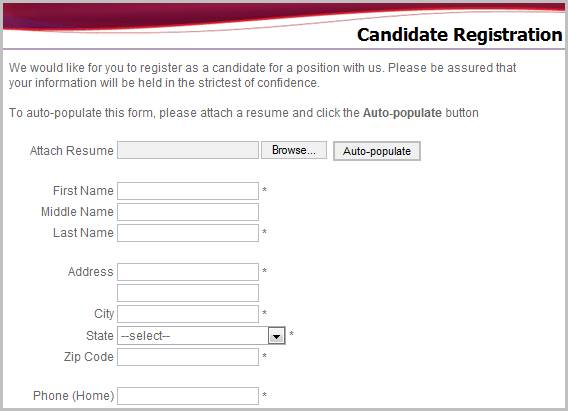
1) To create a user profile, click the Register Now >> link. Note that Contact and Supplier profiles are created by the Staffing Manager in Adapt.
2) The Candidate Registration page will load on the screen.