
Employee Birthday Report
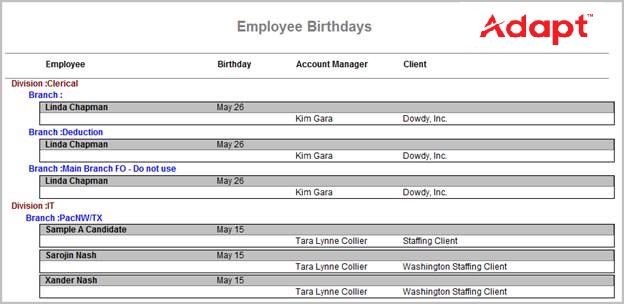
The employee birthday report is used to track birthdays for active candidates; this is a month/day listing.
- AccessReporting > Reporting & Analytics > System Reports > Recruiter.
- Double-click on Employee Birthday report to open the workflow in a new window.
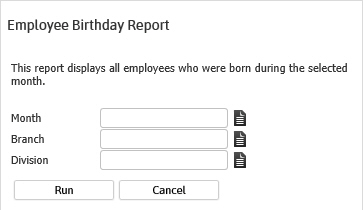
- In the form, click on the buttons to the right of certain fields to open a new window which will allow you to search and select options related to that specific field or choose a date.
- The Month criteria will return active candidates with a birth month that matches the input; if no month entered all active candidates will be returned.
- The Branch and Division are additional criteria options to further filter the report results. These options will match the candidate.
-
Click Run to generate the report.

-
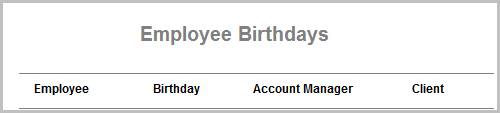
The header displays the report name and labels for the data to be displayed.

-
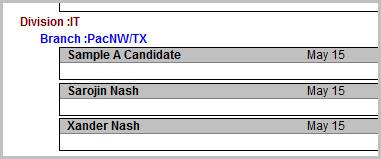
The data is then sorted by Division, Branch and Candidate first name.
Full Report
Workflows that Update Report
The following workflows will update the Employee Birthday report: